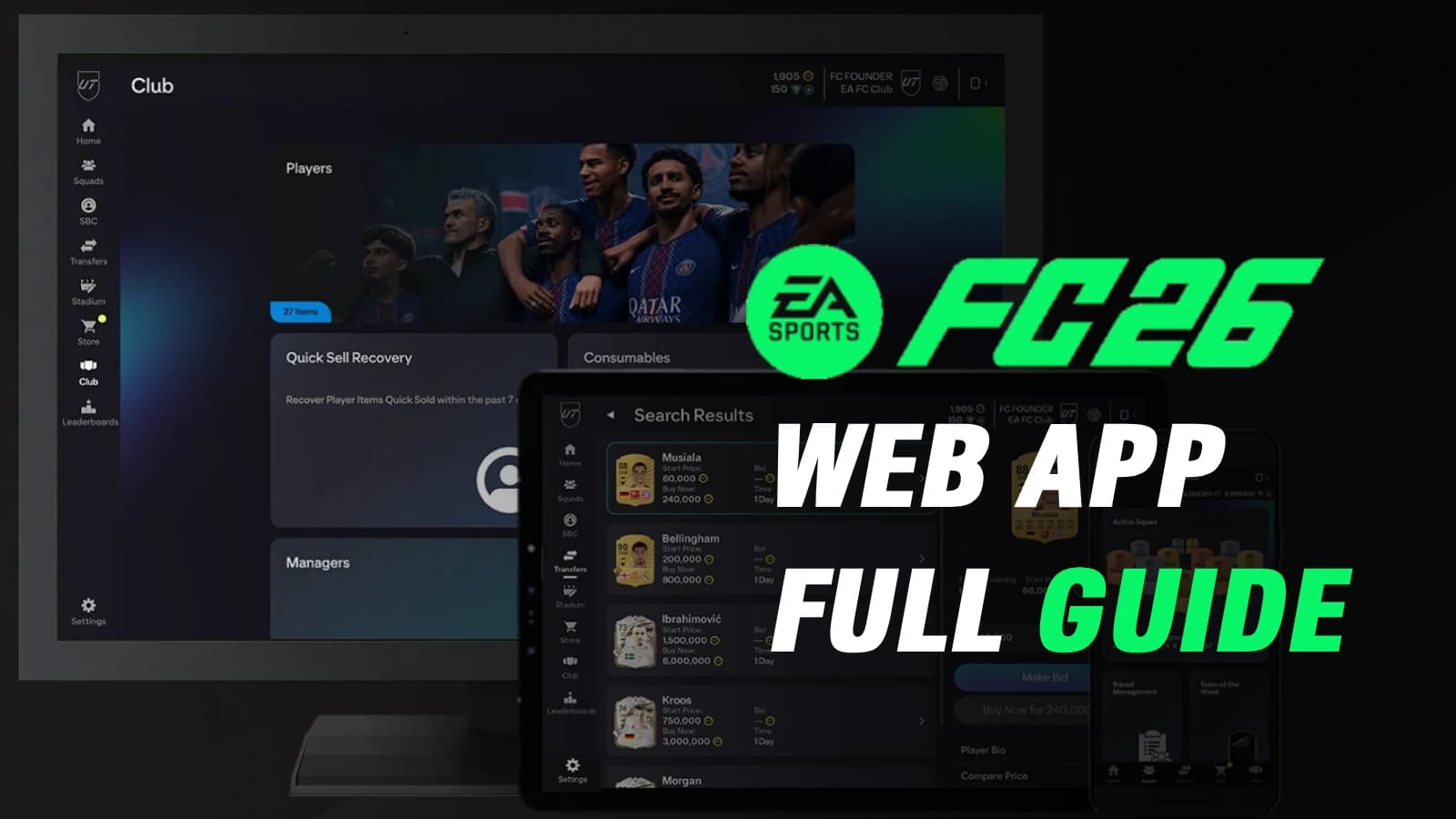
EA FC 26 Web App: Everything You Need to Know
You open the Web App before you even boot up your console. The transfer market is already buzzing, prices are moving by the minute, and that one FC player you’ve been tracking all week is finally within reach.
For seasoned Ultimate Team grinders, the EA FC 26 Web App isn’t just a companion—it’s where the real team-building begins. From sniping deals during lunch breaks to using the SBC solver at night, this browser-based hub quietly shapes how strong your squad will be once you step onto the pitch.
That’s why understanding how the EA FC 26 Web App truly works—from market mechanics to squad management and safety limits—can be the difference between starting behind the curve or dominating Ultimate Team from day one.
If you’re interested in Web App, you might also enjoy our full guide on How to Unlock FC Transfer Market.
Launch Details for EA FC 26 Web App
Kicking off your journey starts with knowing when and how to dive in. The EA FC 26 web app officially went live on September 17, 2025, giving eager players a head start before the full game dropped on September 26.
This early access window allows you to claim loyalty rewards, trade on the market, and set up your club without needing to start the console. For those with an active EA FC 25 Ultimate Team before August 1, 2025, entry was seamless; however, newcomers had to link their accounts and play a few matches to unlock full features, such as the transfer market.
Access Requirements and Setup
Getting in requires an EA account—head to the official EA Sports site, pick your region, input your birthdate, and create credentials.
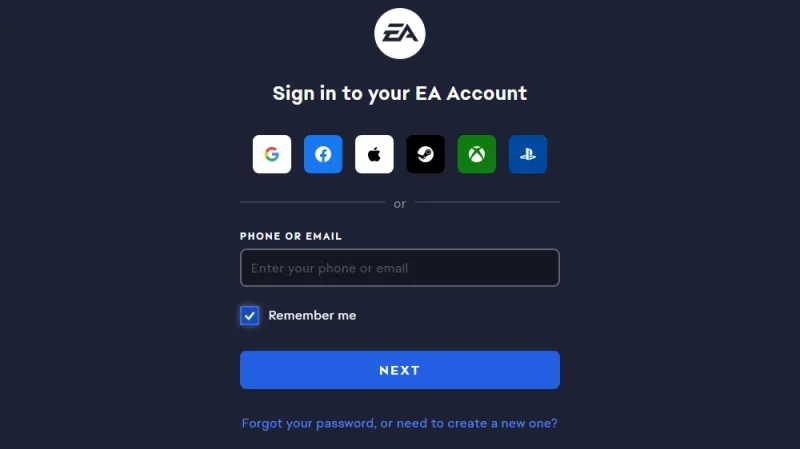
Verify via email, then enable two-factor authentication to safeguard your EA FC coins during trades. Link your console or PC profile, and if you're new to EA FC, expect a short grind of daily matches to activate market access.
For mobile warriors, the Companion App launched a day later on September 18, mirroring most web features for on-the-go tweaks. Both tie into EA FC 26's ecosystem, ensuring progress syncs flawlessly.
Core Features of EA FC 26 Web App
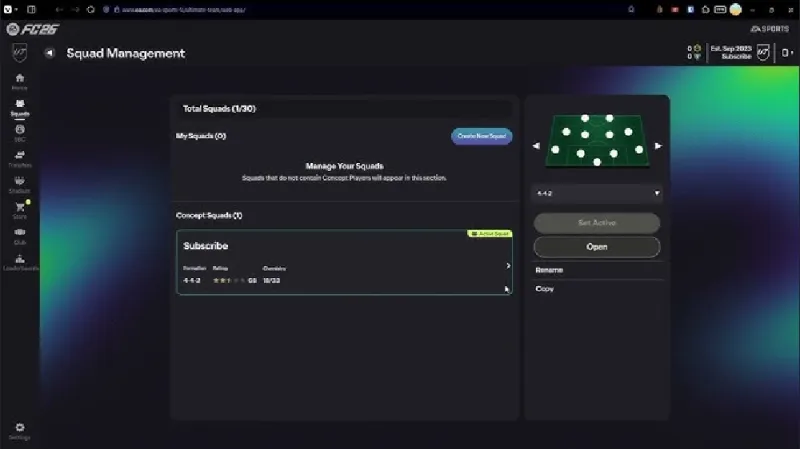
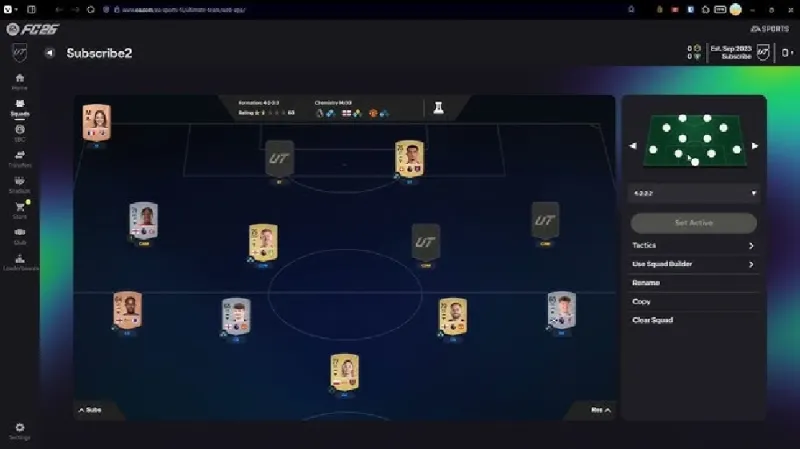
Once inside, the EA FC 26 web app unfolds as your command center for Ultimate Team. Manage squads by swapping players, adjusting roles with the new PlayStyles system, and previewing chemistry boosts. The interface got a polish this year, with quicker loading for large clubs and better filters for sorting cards by league or nation.
Trading shines here, where you bid on undervalued gems or list duplicates for profit. Early in the cycle, volatility creates opportunities, but tools like FUTBIN help track prices without leaving the app.
SBCs remain a highlight, offering packs and evolutions— the October update added filters for easier requirement matching, streamlining builds.
Customize your stadium, kits, and badges remotely, setting the stage for in-game vibes. Seasonal objectives track progress, rewarding XP toward pass levels, all accessible via the EA FC web app for efficient grinding.
Enhanced Trading and Market Tools
The transfer market in the EA FC 26 web app supports up to 100 listings, with search refinements for rarities and archetypes. Sniping low-rated players for evolutions pays off, especially during TOTW drops starting launch week.
Squad Building Challenges in EA FC 26 Web App
SBCs elevate the EA FC 26 web app experience, turning spare cards into valuable rewards. From foundation puzzles to advanced promo ties, they demand smart inventory management. The app's builder lets you test solutions, pulling from your club or market previews.
With evolutions integrated, completing SBCs unlocks upgrades that transform mid-tier players into meta threats. Time-limited ones, like those in the Winter Wildcards promo, add urgency, pushing daily logins.
Tips for Dominating with EA FC 26 Web App
Mastery comes from smart plays in the EA FC 26 web app. Jump in during off-peak hours for faster snipes, focusing on meta leagues like the Premier League for quick flips. Balance buying with selling to avoid market crashes, especially post-promo.
Integrate with the Companion App for constant access, tweaking squads during commutes. Security is key—always log out on shared devices.
For mid-game edges, explore the GameCurrency SBC solver to automate complex puzzles.
[Video Placeholder: Tutorial on Advanced Trading Strategies in EA FC 26 Web App]
Common Issues in EA FC 26 Web App
Glitches happen, but fixes are straightforward. Login errors? Clear cache or switch browsers—Chrome works best. Market locked? Grind matches and check standing.
Server refreshes around 6 PM GMT often resolve reward claims. For persistent problems, EA's help site details patches, like December's stability boost.
Issue | Common Cause | Solution | Prevention |
| Login Failure | Cache Buildup | Clear Browser Data | Regular Maintenance |
| Market Restriction | New Account | Play Daily Matches | Early Engagement |
| Sync Delays | High Traffic | Wait Post-Promo | Off-Peak Use |
| Reward Missing | Server Lag | Log Out/In | Daily Checks |
| App Crashes | Outdated Browser | Update Software | Compatible Devices |
This table guides quick resolutions, keeping your flow uninterrupted.
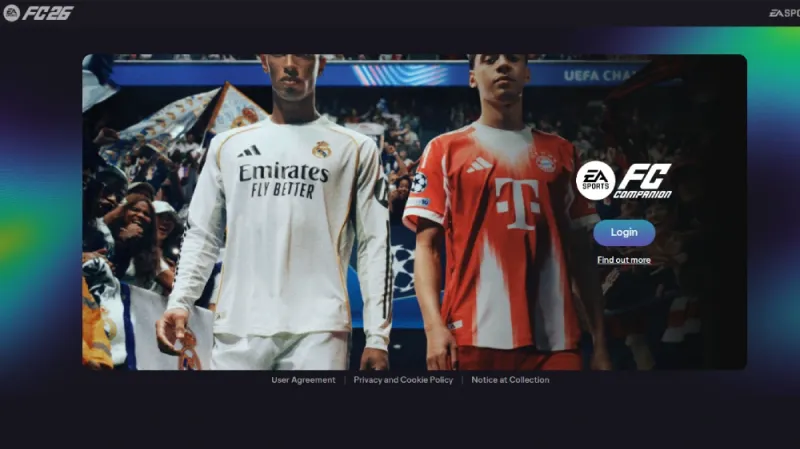
How to Get Started with the EA FC 26 Web App
Getting started with the EA FC 26 Web App is super easy, but there are a few steps to follow:
Create an EA Account: If you don’t already have one, head to the official EA Sports FC Ultimate Team Web App page and click “Sign up.” Choose your country, enter your date of birth, and set up an email, password, and EA ID. You’ll need to verify your email with a code to complete the setup.
Enable Two-Factor Authentication: For extra security, especially if you’re trading or buying items, set up two-factor authentication. This is a must to keep your account safe.
Link Your Ultimate Team Club: Log in with your EA account and connect it to your Ultimate Team club. If you played EA FC 25, your club should already be linked. New players will need to create a club in FC 26 first.
Check Access Requirements: To use all features, like the Transfer Market, you need an active EA FC 25 Ultimate Team club created before August 1, 2025, and your account must be in good standing (no bans). If you’re new, you might need to play 2-3 full matches daily in FC 26 and log into the Web App regularly to unlock the Transfer Market.
Note: You can’t use the Web App while logged into Ultimate Team on your console or PC—you’ll need to log out first.
Wrapping Up
As seasons progress, the EA FC 26 web app remains your ally in the Ultimate Team saga, turning prep into triumphs on the virtual pitch. From early trades to late-game tweaks, it captures the essence of building empires one card at a time. Dive in, experiment, and watch your squad soar. Use the auto SBC builder for effortless challenge conquests.
Podcast audio
Listen to the audio version of this blog post.
Your browser does not support the audio element.